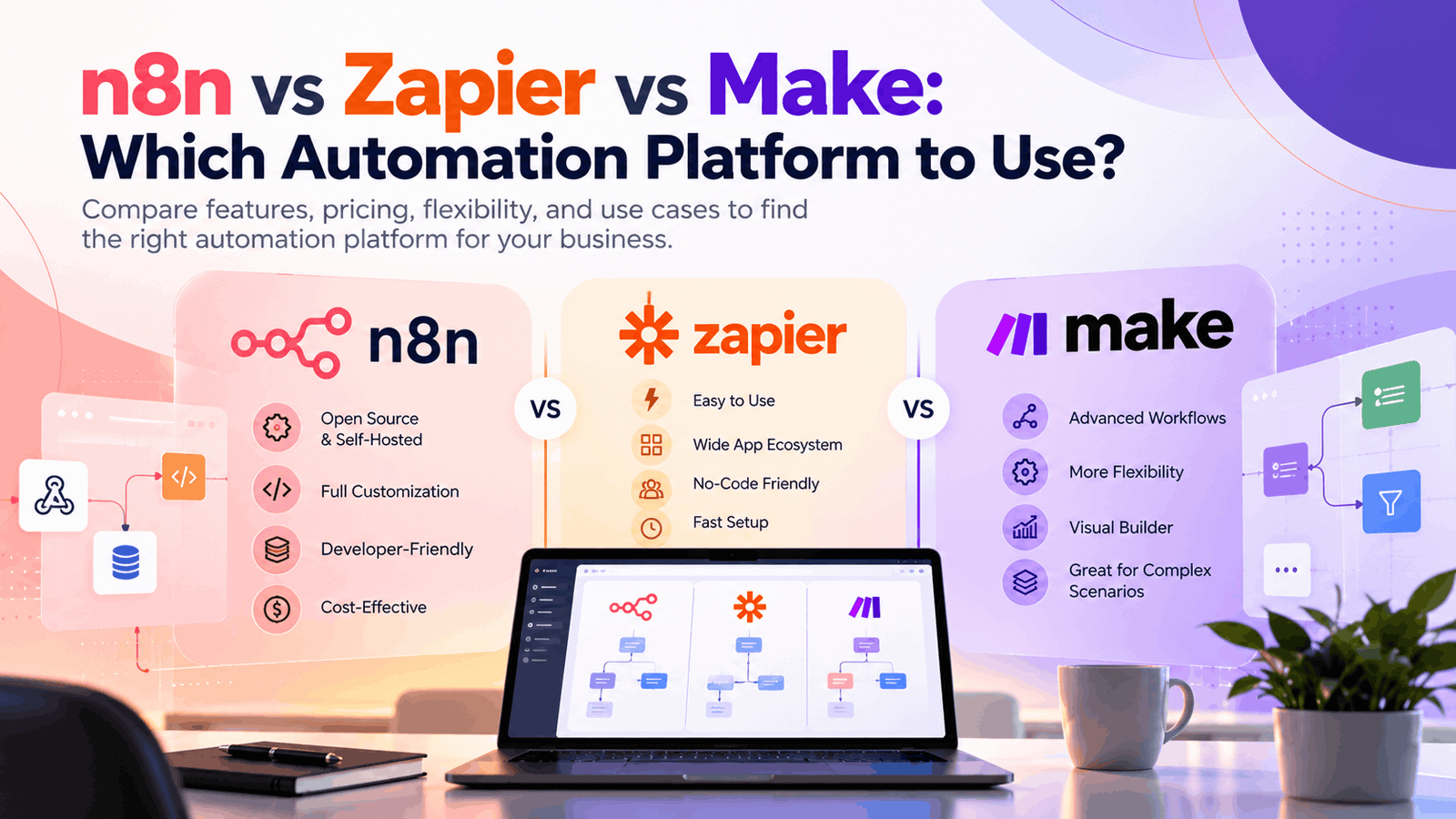
Business automation helps companies save time, reduce manual work, and improve productivity. Platforms like n8n, Zapier, and Make allow businesses to connect applications, automate repetitive tasks, and build AI-powered workflows.
But which platform is right for your business? Let’s compare their features, benefits, pricing considerations, and use cases.
What Are n8n, Zapier, and Make?
1. n8n: Best for Custom Automation
n8n is a flexible workflow automation platform that combines a visual builder with coding capabilities. It supports self-hosting and cloud deployment, making it suitable for businesses that need greater control over their workflows and infrastructure.
Key benefits:
- Build custom workflows using APIs and code.
- Create AI-powered workflows and agents.
- Connect databases and internal business systems.
- Self-host for greater infrastructure control.
Best for: Developers, technical teams, and businesses building customized AI automation solutions.
2. Zapier: Best for Beginners
Zapier simplifies automation by connecting thousands of popular applications through triggers and actions. Its user-friendly interface makes it easy to automate everyday tasks without programming knowledge.
Key benefits:
- Easy setup for common workflows.
- Extensive app integration ecosystem.
- Automates marketing, sales, and administrative tasks.
- Helps non-technical teams work more efficiently.
Best for: Small businesses, marketers, and beginners who want quick automation.
3. Make: Best for Visual Workflows
Make, formerly Integromat, provides a visual canvas for building multi-step workflows. Its routers, filters, and data transformation tools make it useful for processes involving multiple conditions and applications.
Key benefits:
- Visual workflow design.
- Advanced conditional routing.
- Flexible data processing.
- Support for complex, multi-step automation.
Best for: Operations teams and businesses managing sophisticated workflows.
n8n vs Zapier vs Make: Quick Comparison
| Feature | n8n | Zapier | Make |
|---|---|---|---|
| Ease of use | Moderate | Very easy | Easy to moderate |
| Customization | High | Moderate to high | High |
| AI automation | Highly customizable | Convenient integrations | Flexible visual workflows |
| Self-hosting | Available | Not standard | Not standard |
| Best for | Custom workflows | Simple automation | Complex visual workflows |
| Coding required | Optional | Usually minimal | Usually minimal |
Key Differences Between n8n, Zapier, and Make
1. Ease of Use
Zapier is generally the easiest platform for beginners because of its straightforward trigger-and-action approach. Make offers more visual control over workflow logic, while n8n provides additional flexibility for users comfortable with APIs and code.
Winner: Zapier for beginners.
2. Pricing and Cost
Pricing depends on usage, plan limits, and required features. Zapier’s task limits and Make’s usage-based operations or credits can affect costs as workflows grow. n8n offers cloud plans and self-hosting, but self-hosting involves infrastructure and maintenance expenses.
Compare the estimated cost of your actual workflows before choosing.
Explore the official pricing pages: n8n, Zapier, and Make.
3. AI Automation
All three platforms support AI-related workflows, but their strengths differ.
- n8n: Suitable for custom AI agents, API integrations, and advanced AI workflows.
- Zapier: Convenient for adding AI steps to existing business applications.
- Make: Useful for visually connecting AI services with multi-step processes.
Winner: n8n for technical customization; Zapier and Make are strong alternatives for application-focused workflows.
4. Integrations and Customization
Zapier is ideal for quickly connecting popular SaaS applications. Make provides visual control over integrations and data transformations. n8n is especially useful when workflows require custom APIs, databases, or specialized business logic.
Winner: Zapier for ready-made integrations; n8n for technical flexibility.
Real-World Use Cases
Here are examples of how businesses can use these platforms:
- Lead generation: Send website leads to a CRM and notify sales teams.
- Marketing automation: Synchronize contacts and trigger campaign follow-ups.
- E-commerce: Process orders, update inventory, and notify fulfillment teams.
- Customer support: Categorize inquiries and route tickets using AI.
- Business operations: Automate approvals, invoice processing, and internal notifications.
Zapier works well for straightforward tasks, Make suits workflows with multiple branches, and n8n is valuable for customized integrations and AI-driven processes.
Which Automation Platform Should You Choose?
Your ideal platform depends on your business goals and technical requirements.
- Choose n8n if you need custom integrations, self-hosting, or advanced AI workflows.
- Choose Zapier if you want simple automation with minimal technical setup.
- Choose Make if you need visual control over complex, multi-step workflows.
Before committing, test a real workflow, verify integrations, estimate costs, and evaluate security and error handling.
Conclusion
n8n, Zapier, and Make each offer valuable automation capabilities. Zapier prioritizes simplicity, Make excels at visual workflow design, and n8n offers flexibility for technical and AI-focused use cases.
The best choice is the platform that fits your team’s skills, budget, and workflow requirements while delivering measurable business value.
Need help automating your business processes? Profilent can help you explore workflow automation and AI solutions tailored to your business goals.